
Let go to paste
Release where you started and your Mac pastes the polished words into the text field you're working in.
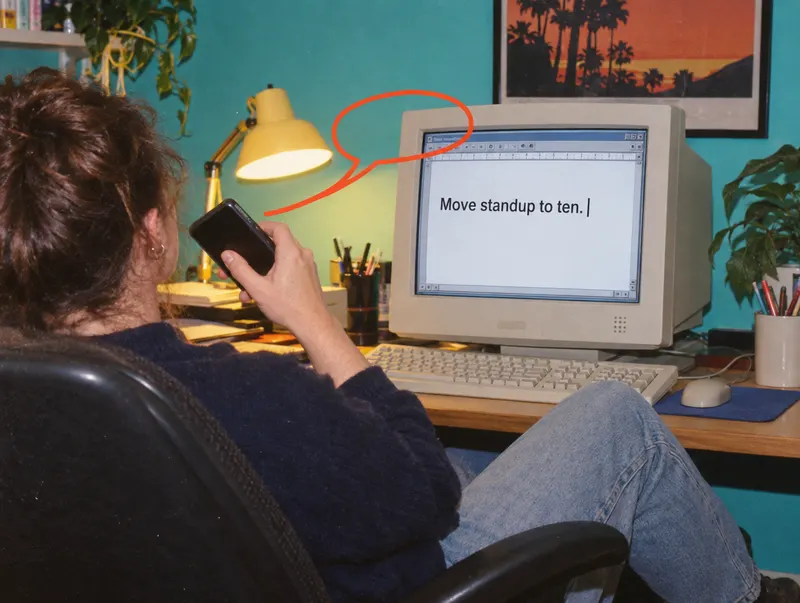
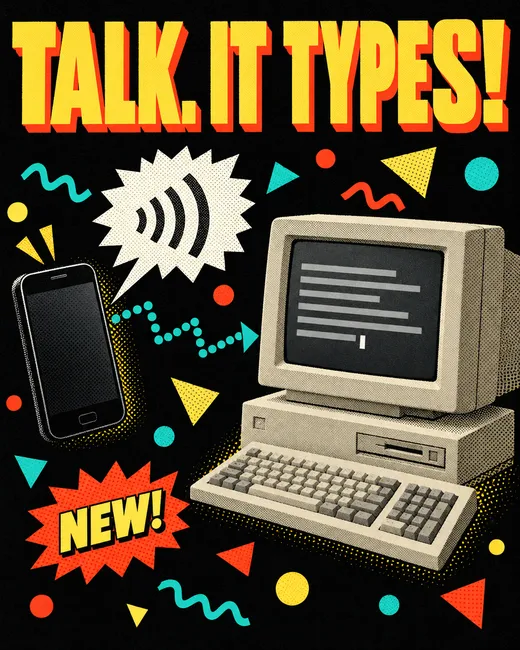
Talk into your iPhone and Yakity-yak types it wherever your cursor is on your Mac. Transcribed on the phone, polished on the Mac, pasted right where you're typing.
How it works
One big orange button on your iPhone. Where your finger is when you let go decides what happens on your Mac.
Release where you started and your Mac pastes the polished words into the text field you're working in.
Your Mac pastes, then presses Return. Perfect for chat boxes and agent prompts that send on Return.
Saved to Notes on your iPhone, polished but never pasted or sent anywhere on your Mac.
Rather go hands-free? Tap once to start and tap again to send. Every new press starts out headed for your Mac.
Under the hood
Your iPhone listens and transcribes. Your Mac tidies up and types. Nothing in between but your own devices.
Set the iPhone Action button to Yakity-yak's Toggle Dictation. Press once to start, again to stop and send. It records in the background, and a Live Activity keeps it on the Lock Screen and in the Dynamic Island.
Optional Mic ready standby (5, 15 or 60 minutes) keeps the microphone on between dictations so the next press records without opening the app. iOS shows its orange mic indicator meanwhile; nothing is saved until you press. If iOS won't start the microphone in the background, the app comes forward to finish, and a locked phone may ask for Face ID.
Apple's on-device speech recognition turns your voice into text right on the phone, with live words on screen while you talk. Your audio never leaves the iPhone. The Mac only ever receives text.
English speech recognition. Spellings you add to your Dictionary are passed to Apple Speech as hints.
Your Mac drops filler words, applies spoken corrections and fixes punctuation and structure in a Natural, Casual or Professional style. Then it pastes into whichever text field has focus and checks the words actually landed.
Polishing uses your own Groq API key, which sends the transcript text to Groq, or Apple's on-device model on macOS 26 and later. Every result is checked first; if it drifts from what you said, your original words go in instead.
Scan a code once to pair. Every request is encrypted with AES-256-GCM using a key only your iPhone and Mac share. Nearby, it finds your Mac over Wi-Fi. Away from your desk, it can reach it through your own Tailscale network.
There's no Yakity-yak server and no cloud transcription. Your Mac needs to be awake with Yakity-yak running.
On your Mac
A small floating puck sits above your apps without stealing focus. Your words show up on its paper slip as you talk, then it tells you where they landed.
Pricing
Start free. Upgrade when you can't stop talking.
For a few thoughts a day.
2,000 words per week
For people who think out loud.
Unlimited words
Same app, same privacy. Just no weekly word count.

Hardware
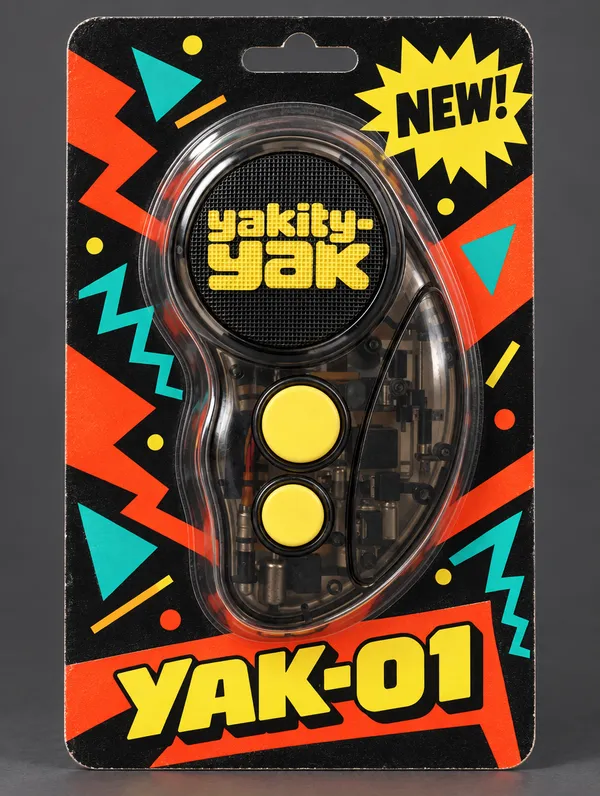
Yakity-yak you can hold.
A smoky see-through shell, a speaker grille wearing the yakity-yak logo, and two big yellow buttons.
Prices in USD. Checkout isn't open yet, so these buttons don't charge anything.